Motion is the language of change — a visible rhythm that turns stillness into story. It’s the pulse that animates form, guiding the eye and shaping emotion as time unfolds.
But what is animation?
So what do we mean by “animation”? Often, in Web Design what we’re referring to is actually motion or movement. This can then be broken down into three tools:
- Transitions
- Micro-interactions
- Animations.
Transitions
Transitions are how a element or group of elements enter and exit the viewport or react to a change in state.

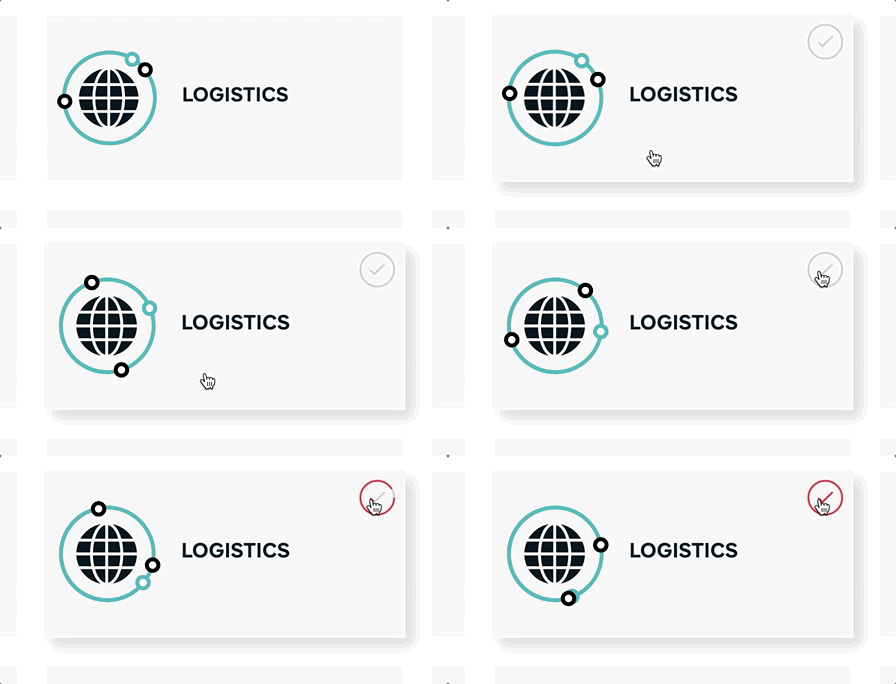
Micro-interactions
Micro-interactions are visual changes in response to a user’s interaction with an element or component, usually a click or hover or drag.
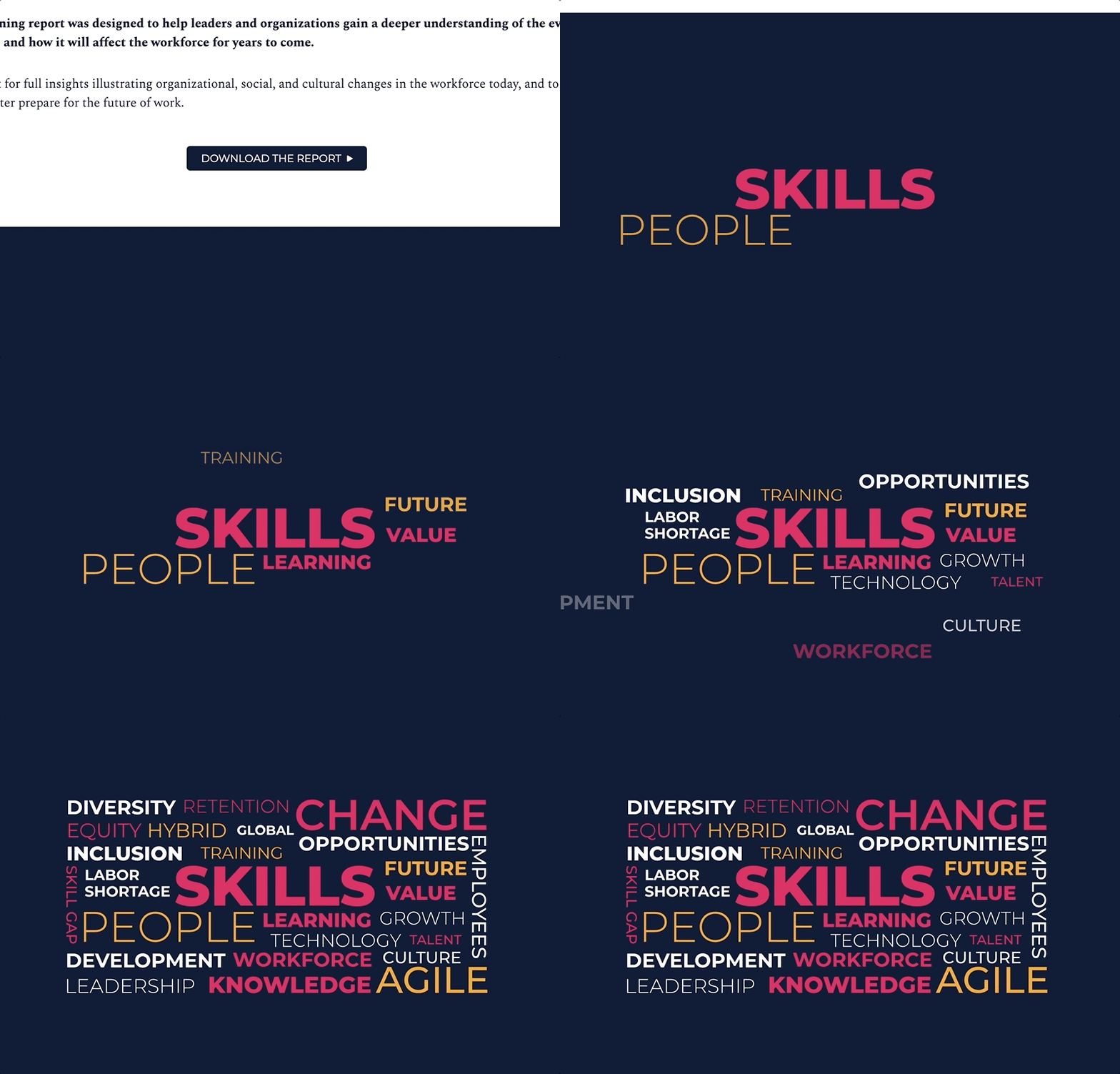
Animations
Animations are more complex sequences of motion used for expressive or informative storytelling and usually serve less of a functional purpose than the other two.
These tools of motion allow us to:
-
Set tone and express emotion 🤯
-
Pull the user’s focus and attention toward something 👀
-
Clarify narrative or information 🤔
-
Create or deepen context for an element and its relationship to others 💏
-
Pique the user’s interest 🤩
Understanding the goal of motion
Motion that is used too often, is aggressive, or does not have a clear purpose can make the site confusing, overwhelming, and hard to interact with. Consider your site’s main audience, what kind of devices they use to view the site, and the primary purpose of the site. A marketing website selling sports cars to CEOs on large desktop monitors will be very different from a patient portal for accessing health information quickly from a mobile device.